



Getting Started with Planview AgilePlace
Why use Planview AgilePlace?
When teams rely on text-based lists, spreadsheets, and emails to keep track of their work, tasks can often fall between the cracks. Regardless of the type of work you do, if it involves multiple steps and a team of people to get it done, then you’re probably familiar with the misunderstandings, oversights, and hand-off delays that can easily occur.
Using a kanban board to visualize the work as it’s being completed helps reveal problems earlier in the process so you can eliminate them quickly. To create a visual representation of the work, teams define the series of actions, steps, or stages that a piece of work goes through to be considered “done” and depict this process using lanes on a board.
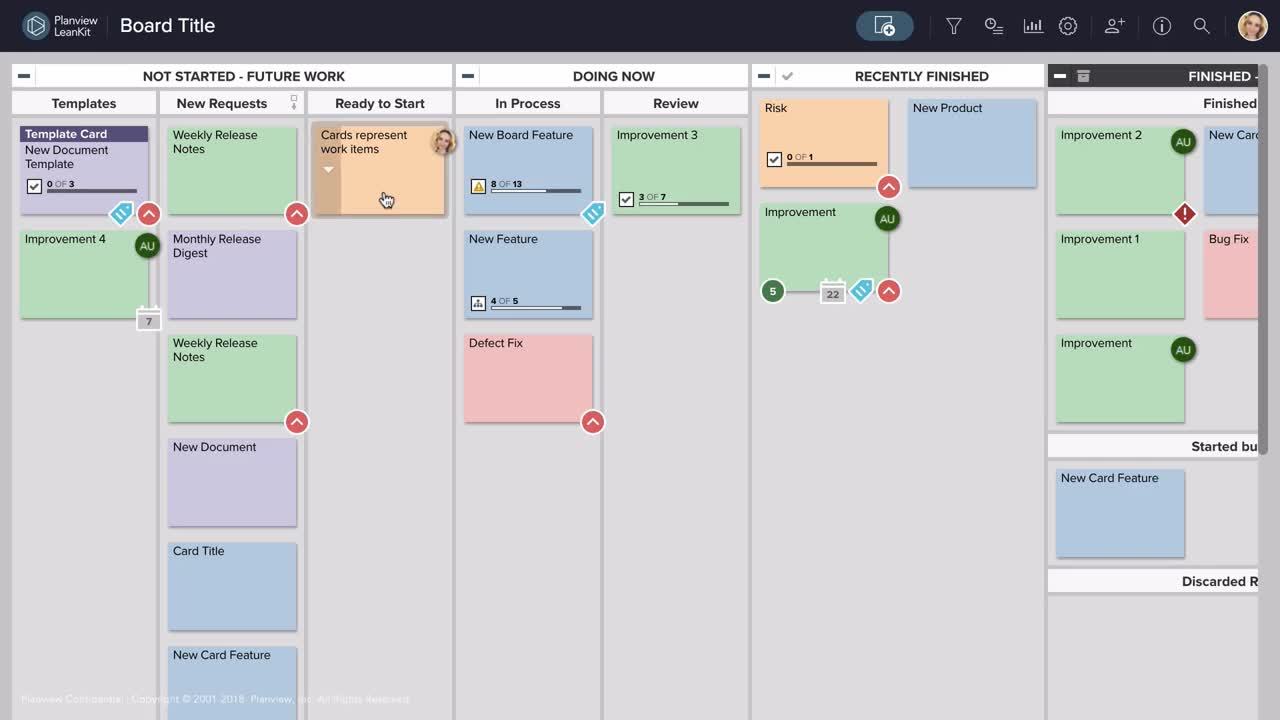
In the example below, the columns (vertical lanes) represent the different steps a work item can move through from initial planning through to completion. The specific lanes a team uses should meet your team's needs and be tailored to the context of your team.
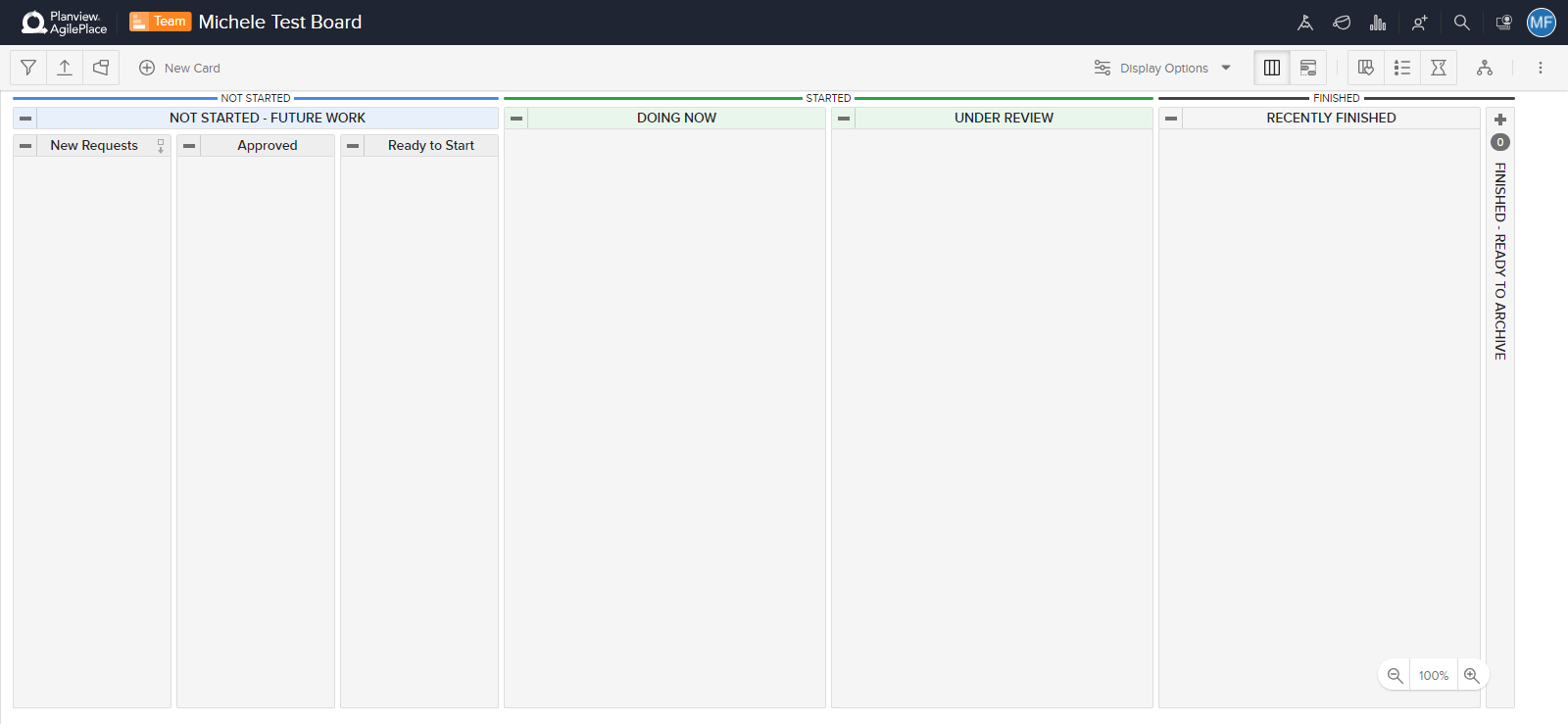
Cards are used to represent work items on the board. This ensures that anyone looking at the board can instantly see what’s being worked on and the status of each work item.

Cards can be moved across the board easily using drag and drop to reflect the current status of each work item.
The combination of being able to see how work gets done and what is being worked on makes information much easier to consume, understand, and share.
Visualize a process or project
As you start out, it’s helpful to have a project or process in mind that you want to visualize. Take a moment to consider how you want to use your first board. Here are some questions to consider:
- What are the steps that the work needs to move through to be completed?
- What project or process are you going to manage on the board?
- Who else is involved in the work?
When creating a board in AgilePlace, we recommend starting with a layout that feels “close enough.” There’s no single right way to design your board, and it doesn’t need to be perfect. You can make changes any time as you learn more about how you want to visualize your work.
To give you some ideas, here are three examples of how different teams use AgilePlace.
1. Here’s how an IT operations team uses AgilePlace to manage conflicting priorities:

2. In this example, a software development team is using AgilePlace to apply Scrum:

3. Here’s an example of how AgilePlace is being used at the portfolio level to prioritize strategic business initiatives:

Each of these teams has configured their AgilePlace board completely differently. However, with all three examples, you can understand what the team is working on and where each work item is in the process just by glancing at the board.
Additional resources
AgilePlace Glossary | Getting Started Video Collection | Quick Reference Guide | All about Boards | All about Cards | FAQs