How to Close a Tap
When you've selected one or more Response(s) that resolves your question, or found your answer elsewhere, you'll want to Close your Tap. Only the Tap owner can close a Tap.
- Click the Close This Tap button on your Tap's landing page.
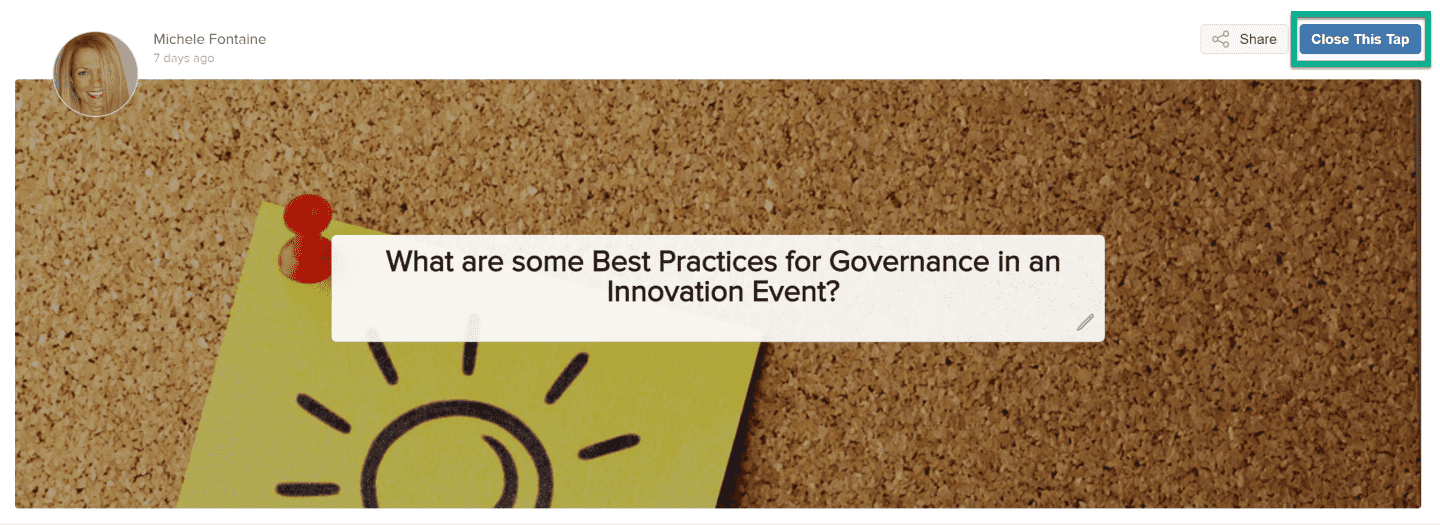
Figure 1 - Close This Tap button
- You will be offered several radio button possibilities as to what your next steps will be. Select the most appropriate radio button for your response and click Close.

Figure 2 - Tap closure interface
- A non-persistent success message will appear.
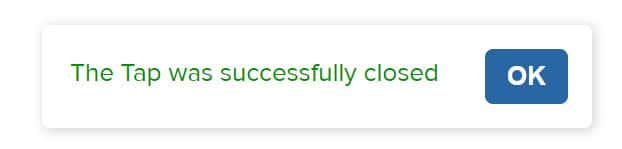
Figure 3 - Tap successfully closed
- The Closed date will now appear on the Tap.
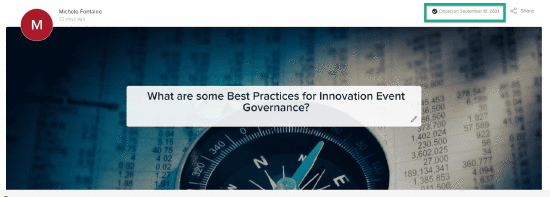
Figure 4 - Close date posts to the Tap
If the Tap was closed without selecting a Response, a contextual message will appear on this Tap on the TeamTap home page. If a Response was selected prior to closing the Tap, the message will reflect this.
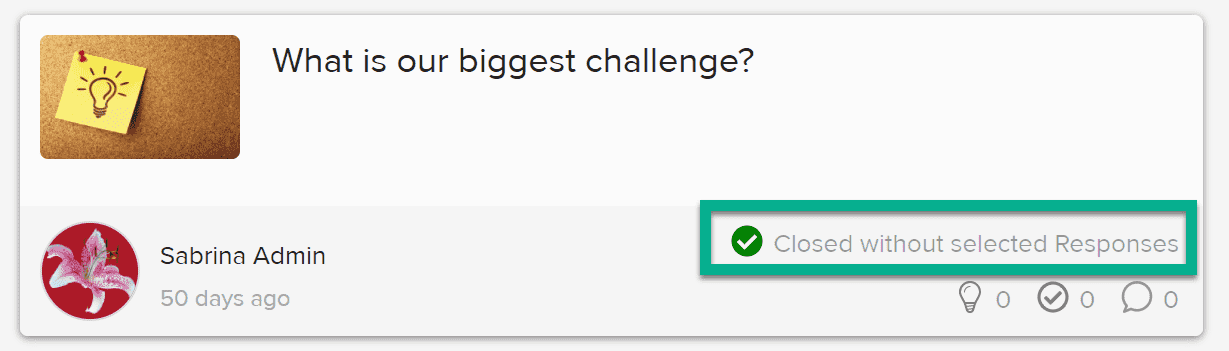
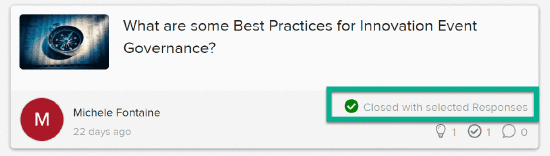
Figure 5 - Closure without and with Response(s) chosen