User: Track Ideas
How can I keep track of or view information about my ideas?
You can track the status of your ideas from the My Profile page.
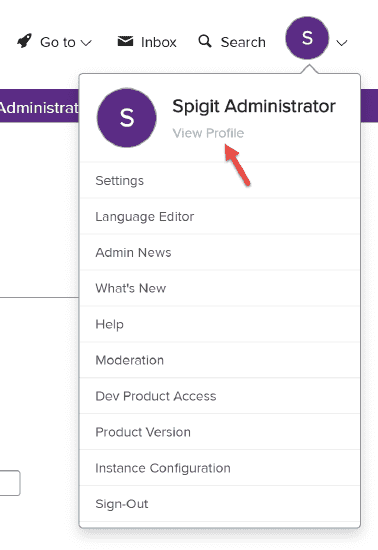
- Click your avatar/image in the upper right corner of your screen.
- Click the View Profile link.
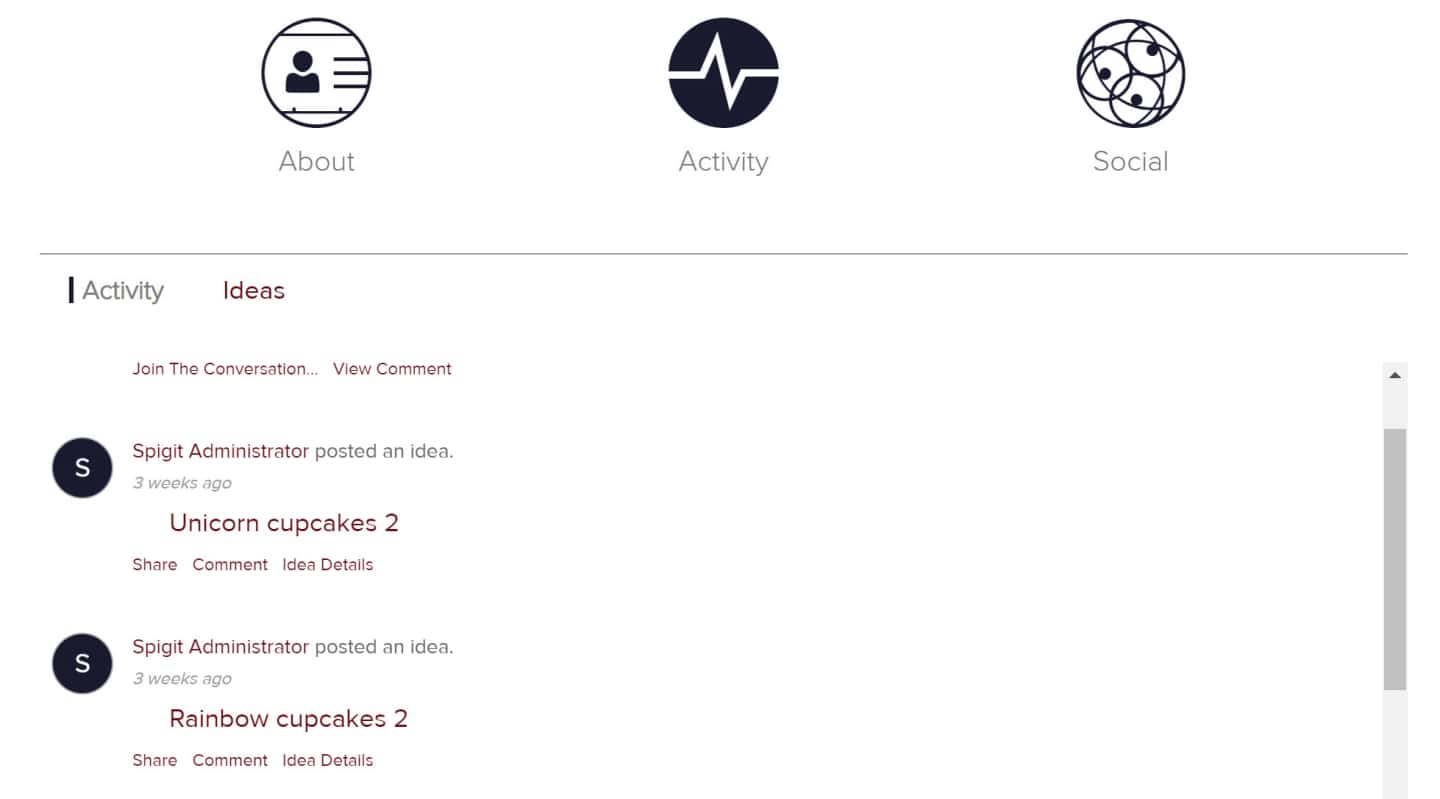
- Click the Activity link/image in the center of the page.
The Activity tab will display a list of all your ideas. You can Share your idea, Comment on it, or go the Idea Details page by clicking the Idea Details link or the Idea Name.
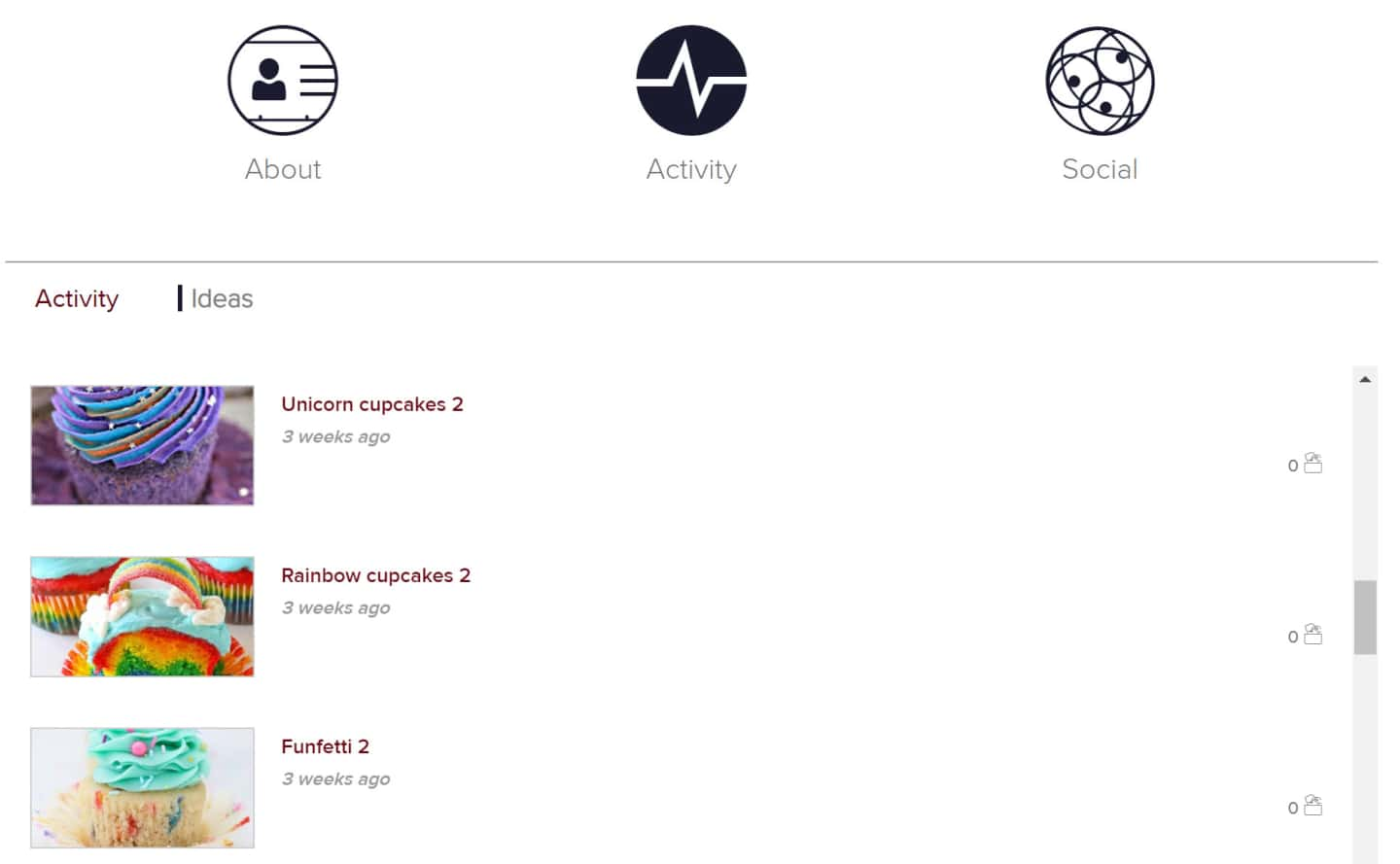
The Ideas tab will show you a list of all your ideas. Clicking on either the idea image or idea name will take you to the Idea Details page.
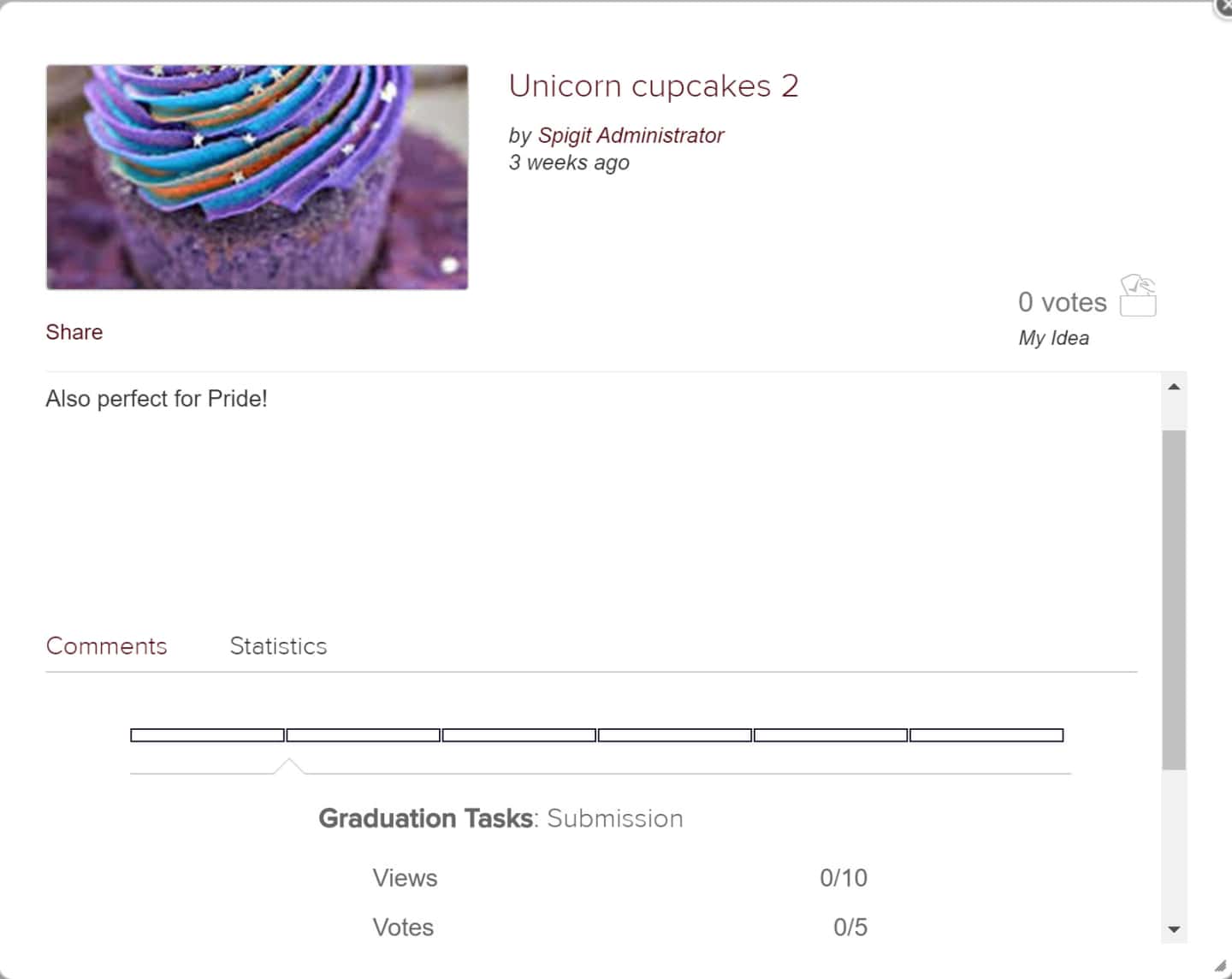
The Idea Details page will show the idea's current stage, views, and votes on the Statistics tab and comments on the Comments tab.