Change a User's Password
If you are an Account Administrator in AgilePlace, you can change another user's password for them:
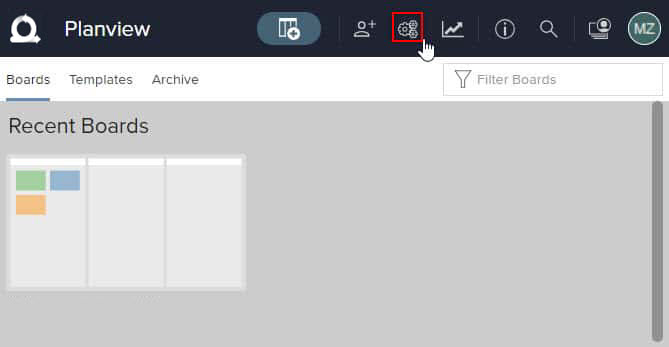
Click the Account Settings  icon in the top bar.
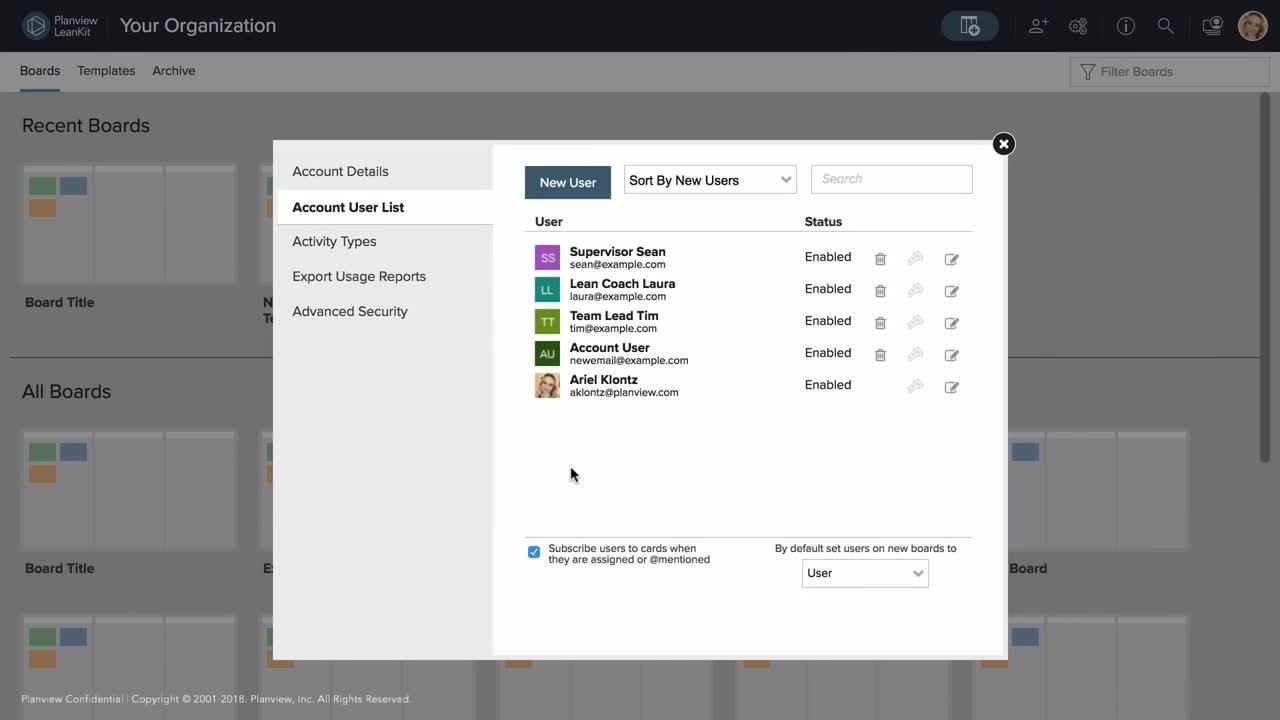
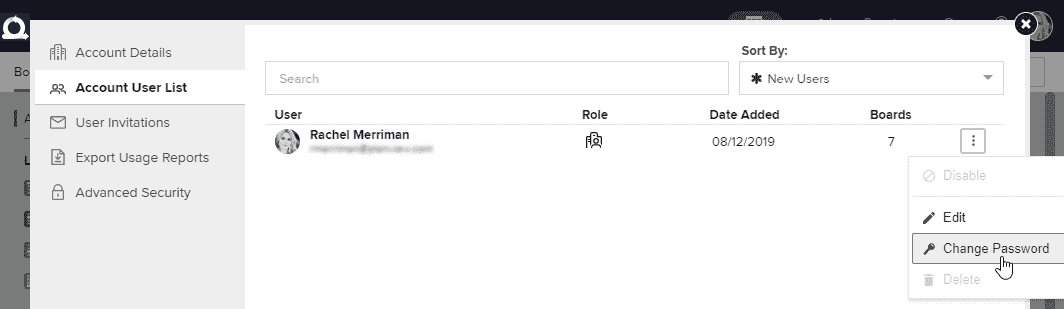
From the Account User List tab, click the three dots to open the hamburger menu and select Change Password.
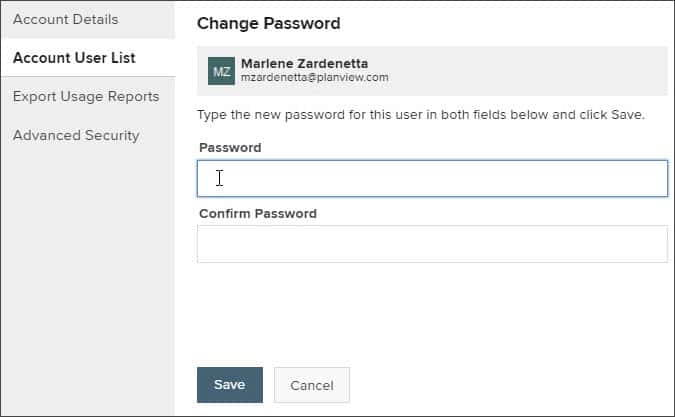
Type a new password in the Password field, and again in the Confirm Password field. Click Save when you're done.