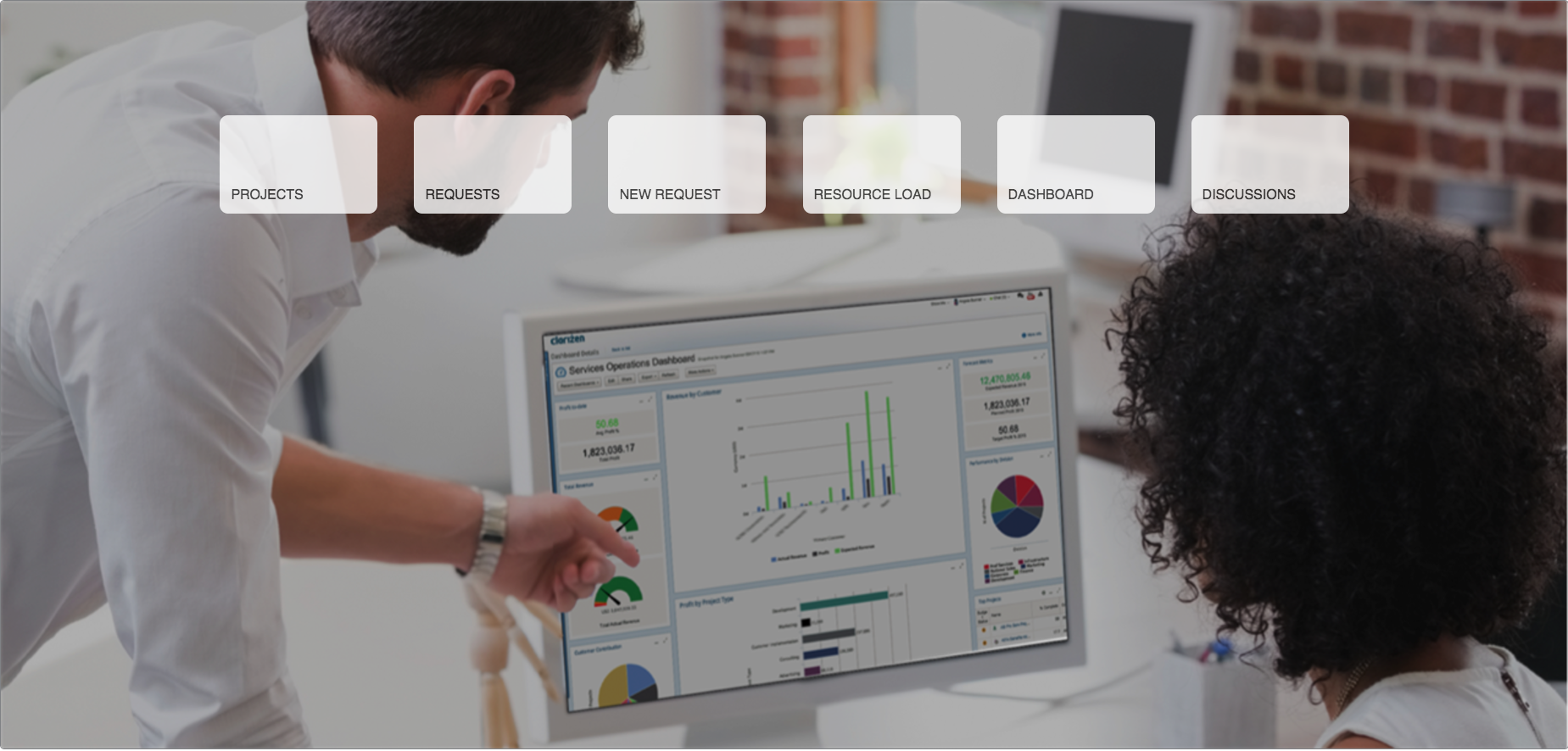
Portal Page
Change management determines many times if a new technology is embraced by your end users and the Portal Home can help make the experience simpler and more intuitive for your end users to use the system as designed and intended.
The Portal Home application is a simple AdaptiveWork custom panel, enabling you to take this simple page and expand on it using HTML/JavaScript. Buttons can be created or changed to go to specific views or call a specific custom action to take in a new request.
Remember, less is more when it comes to change management and the Portal Home is great way to offer up a simple but effective user experience.
Admin Steps:
- Install the Portal Home application: https://www.clarizen.com/apps/portal-page/
-
Edit the new Custom Panel and update any buttons and their links.
- For example, if I want a button to go to a specific view on the task module, simply share that view, copy the link and replace the link code behind the button in the HTML section)
- Enable Page
- Add the new page as the default home for each specific profile. It’s the second column in the grid
Change Background Image:
If you want to be update the image on the page, you can do that easily by following steps:
- Find the “Custom Icon” field (Settings -> Configure)
- Add a new picklist value
- Upload your background image to the new option
- Click Save
- Clone the Portal Home (Save As) saving as ‘PM Portal Home’
- Update the ‘PM Portal Home’ custom page, the first line should read:
<div id="cpBackground"><img src="{GetImage('CustomIcon', '<new_picklist_option>') + '?w=1280'}" /></div>
End User Steps:
- Log In to AdaptiveWork